PocketDeck
A downloadable tool for Windows
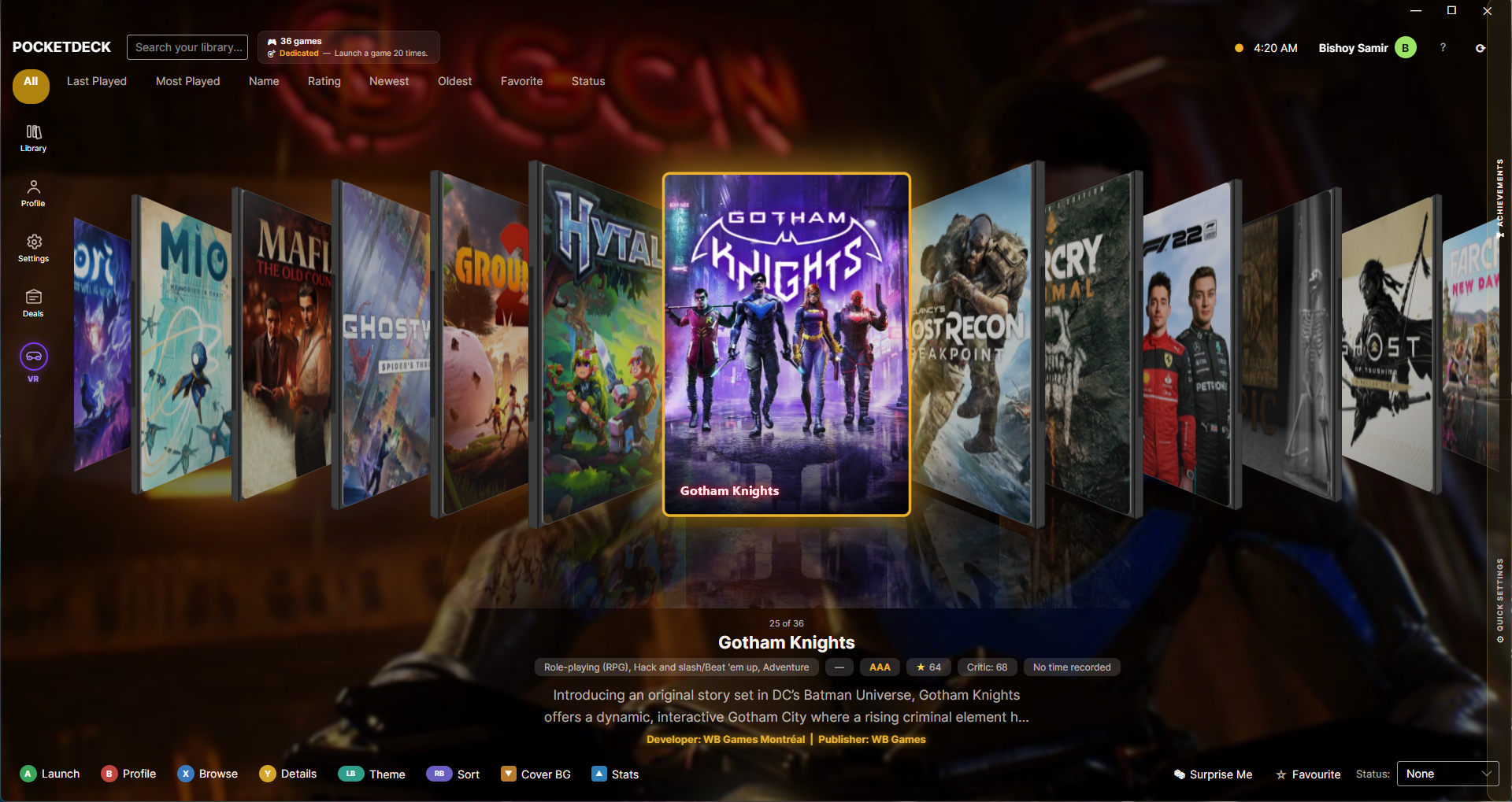
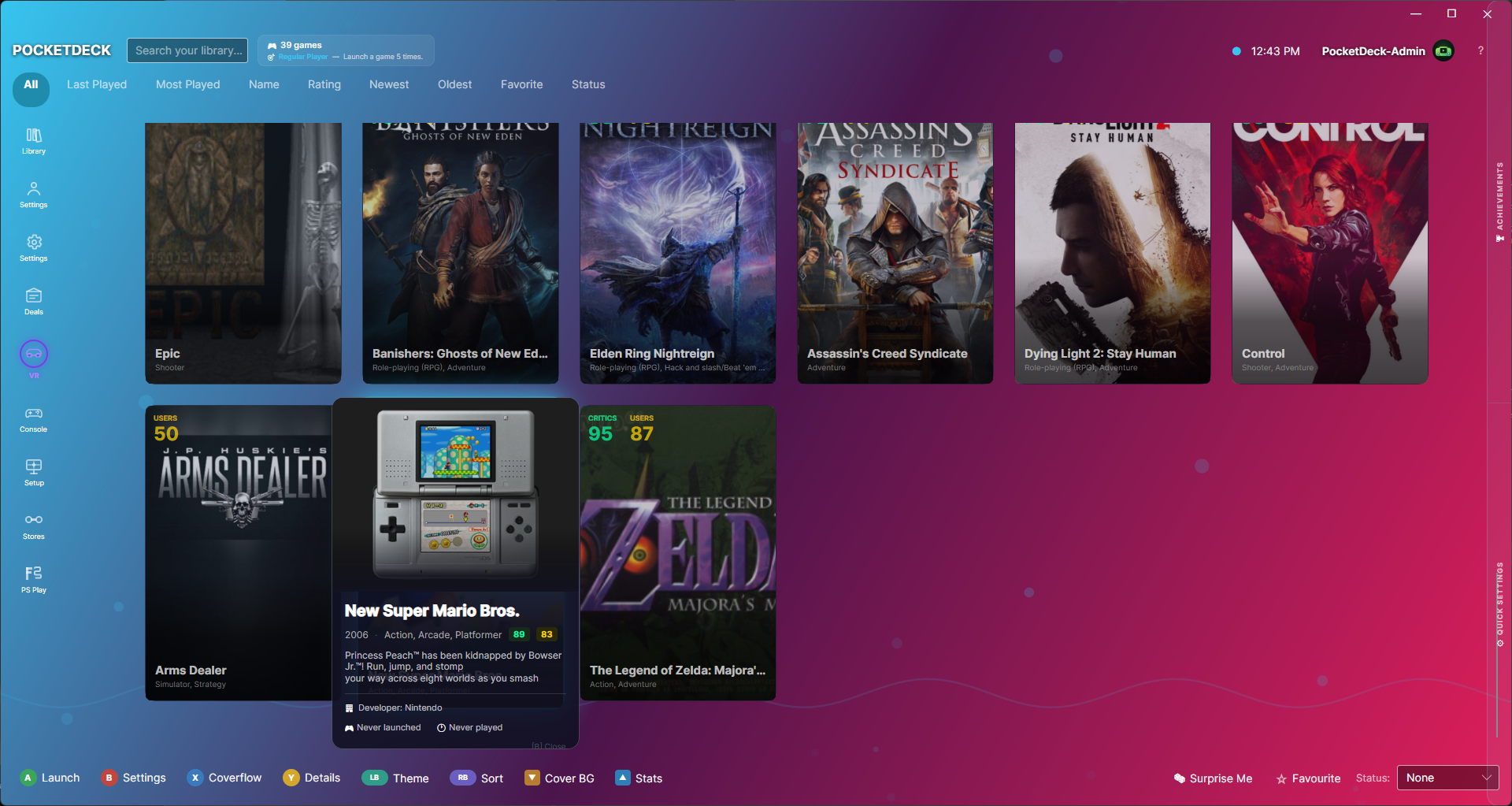
PocketDeck is a beautiful, controller-first game launcher designed for handheld Windows PCs. Browse your entire library — Steam, Epic, GOG, Xbox Game Pass, Ubisoft Connect, Battle.net, and emulators — from a single elegant interface built for small screens and gamepad navigation.
Made for handhelds. Works everywhere. Optimised for the ROG Ally, Legion Go, MSI Claw, and Steam Deck (Windows). Preset UI scales for each device, or dial in your own. Runs great on a desktop too.
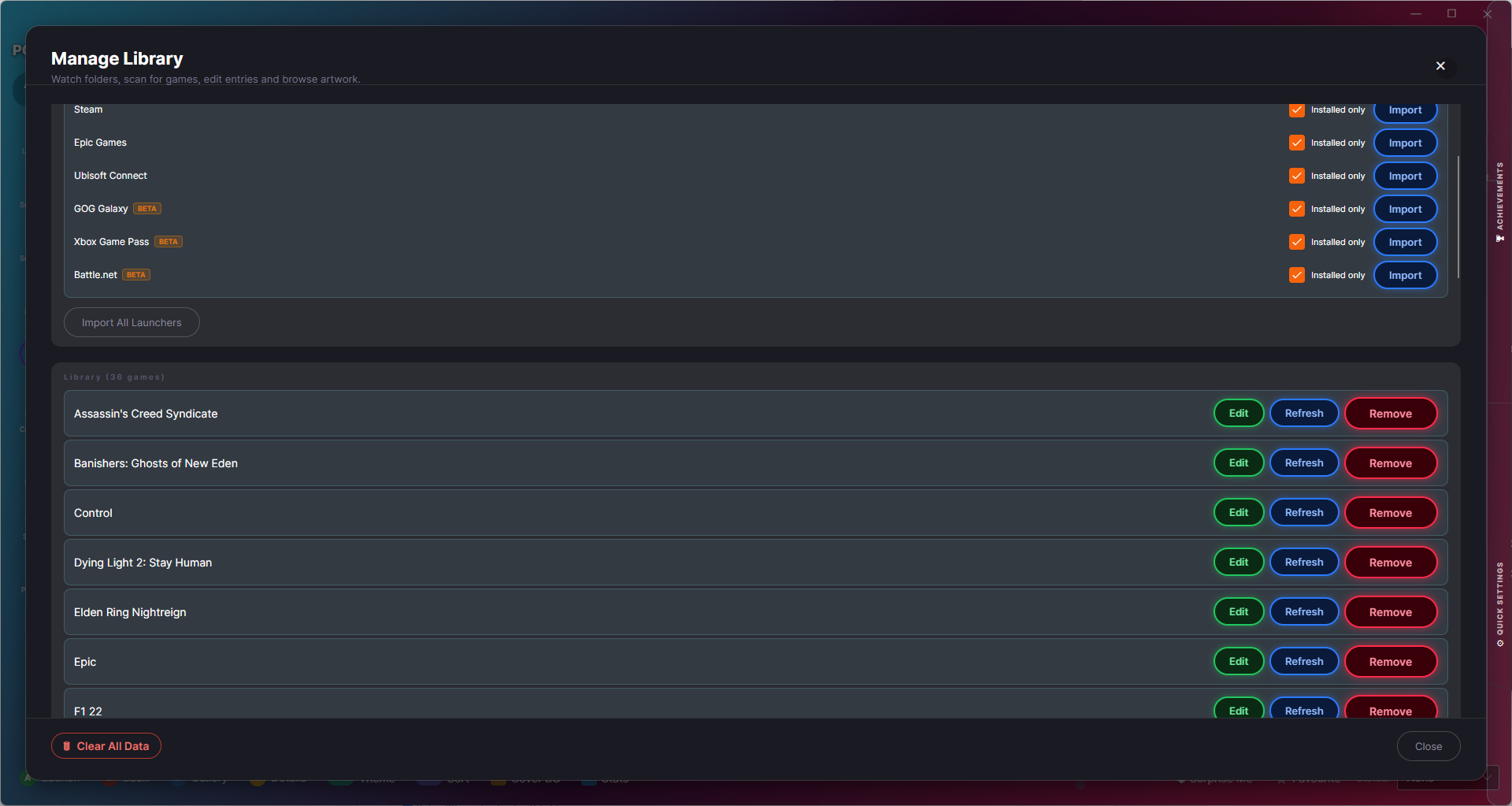
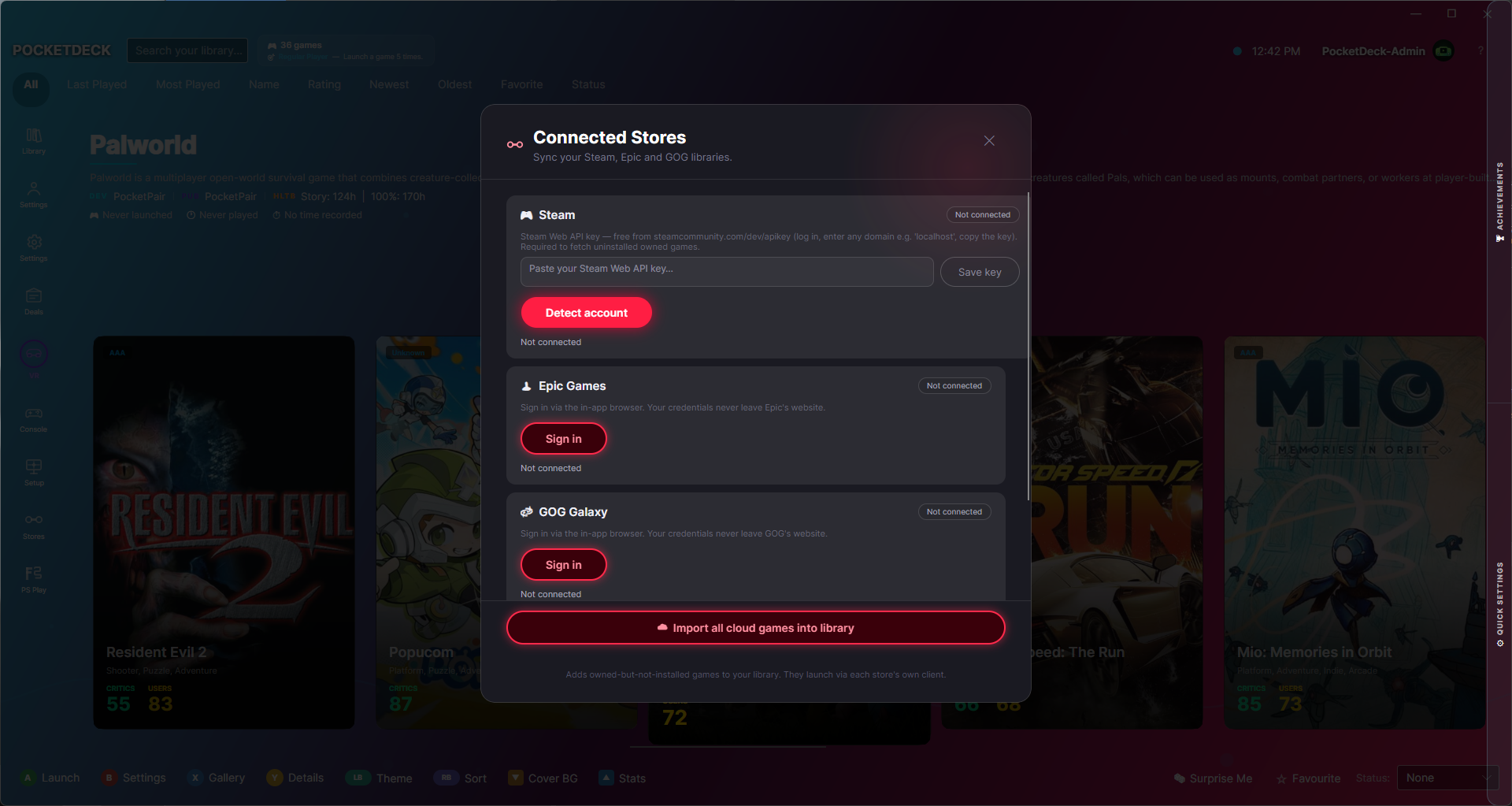
Your whole library, one place Import games from Steam, Epic Games, GOG Galaxy, Xbox Game Pass, Ubisoft Connect, and Battle.net in seconds. Add emulator ROMs from any folder. Everything in one place.
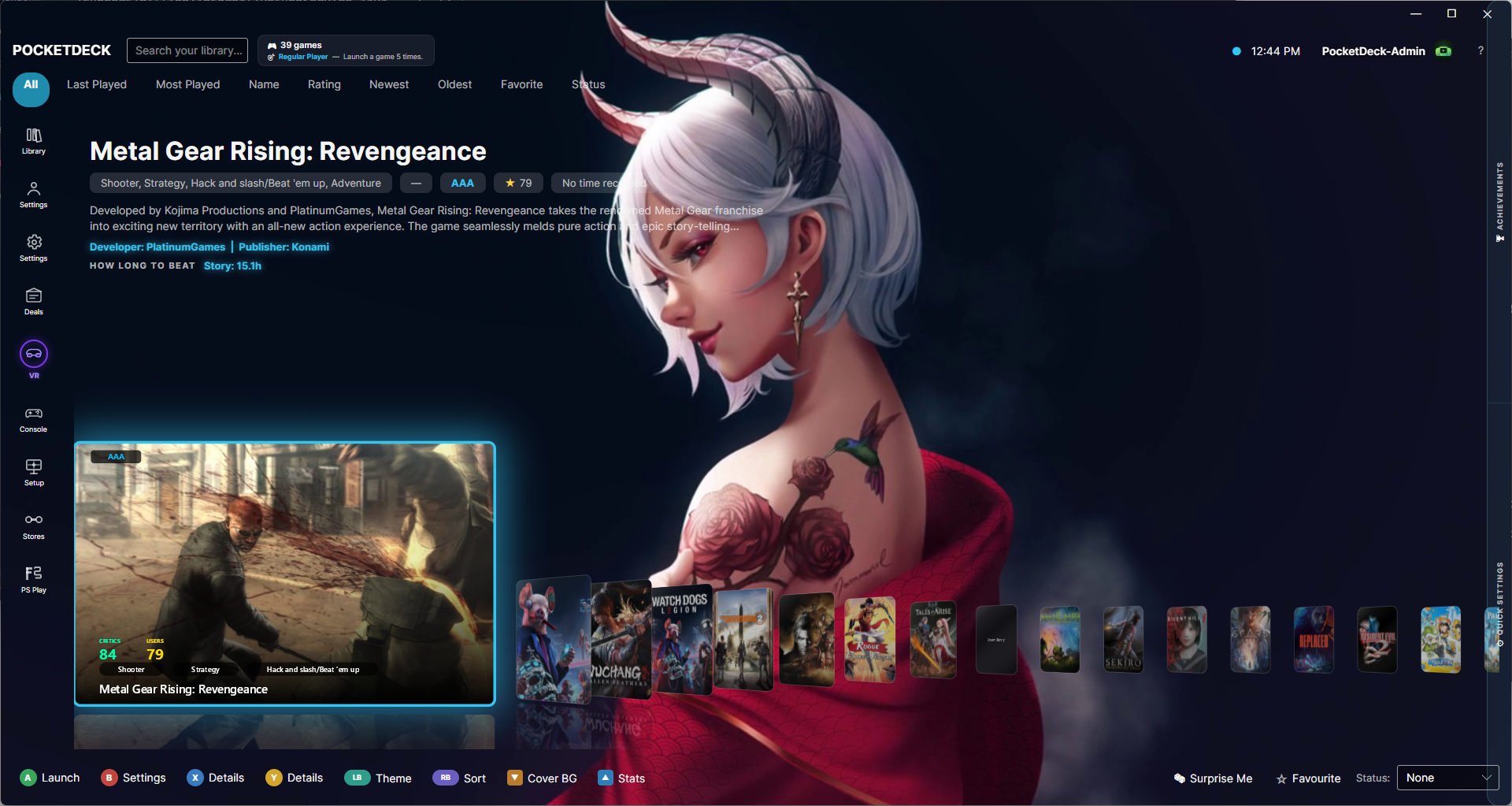
Actually beautiful Portrait game cards in a wrap grid with neon glow effects. 9 animated video backgrounds. 19 colour themes. Background music. It looks like something you'd want on your desk.
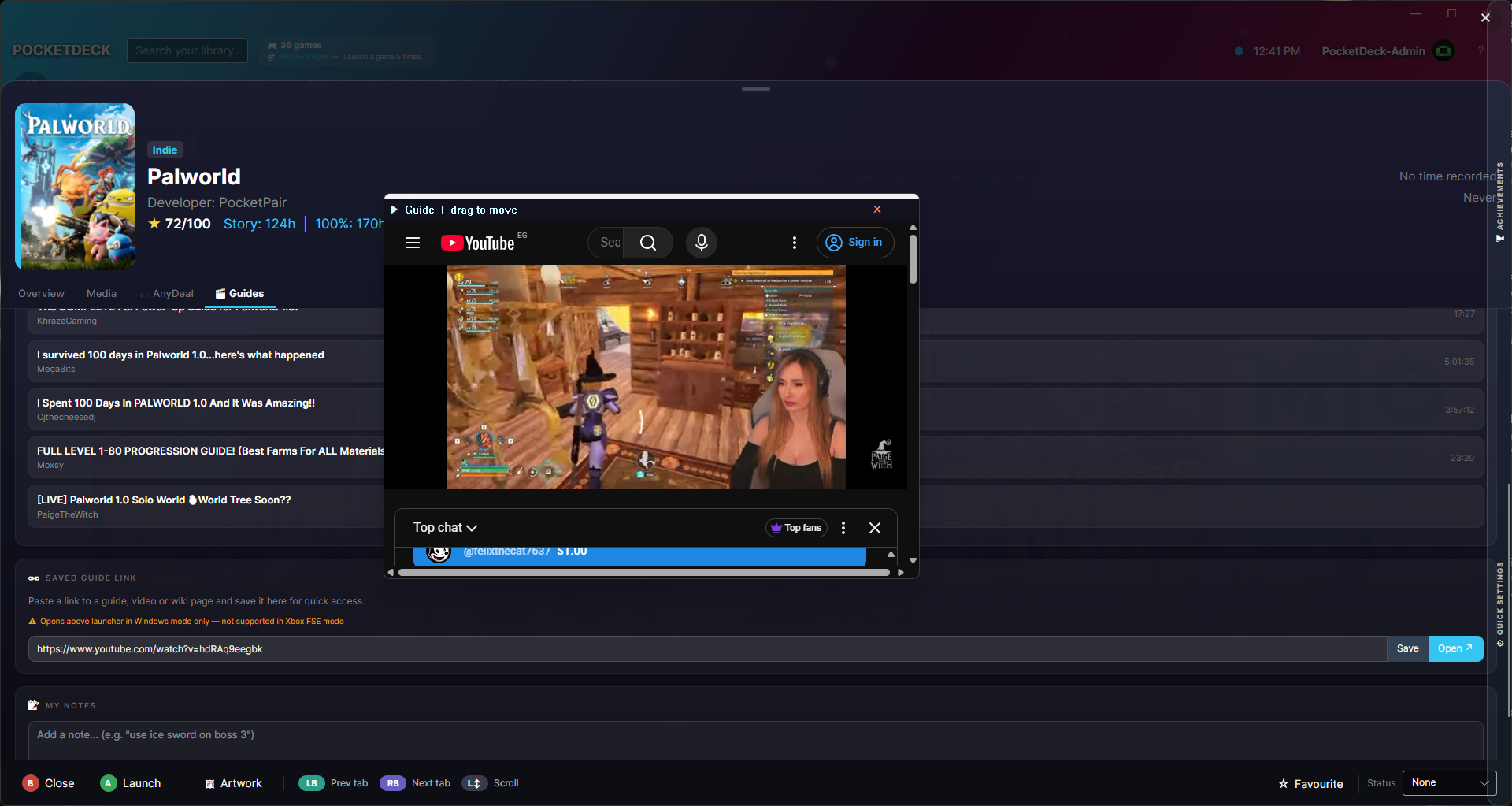
Built for the couch Full gamepad navigation throughout. Win+Tab task switcher via gamepad chord. In-game YouTube guide overlay without leaving your game. HUD overlay with CPU / RAM / battery stats.
Features
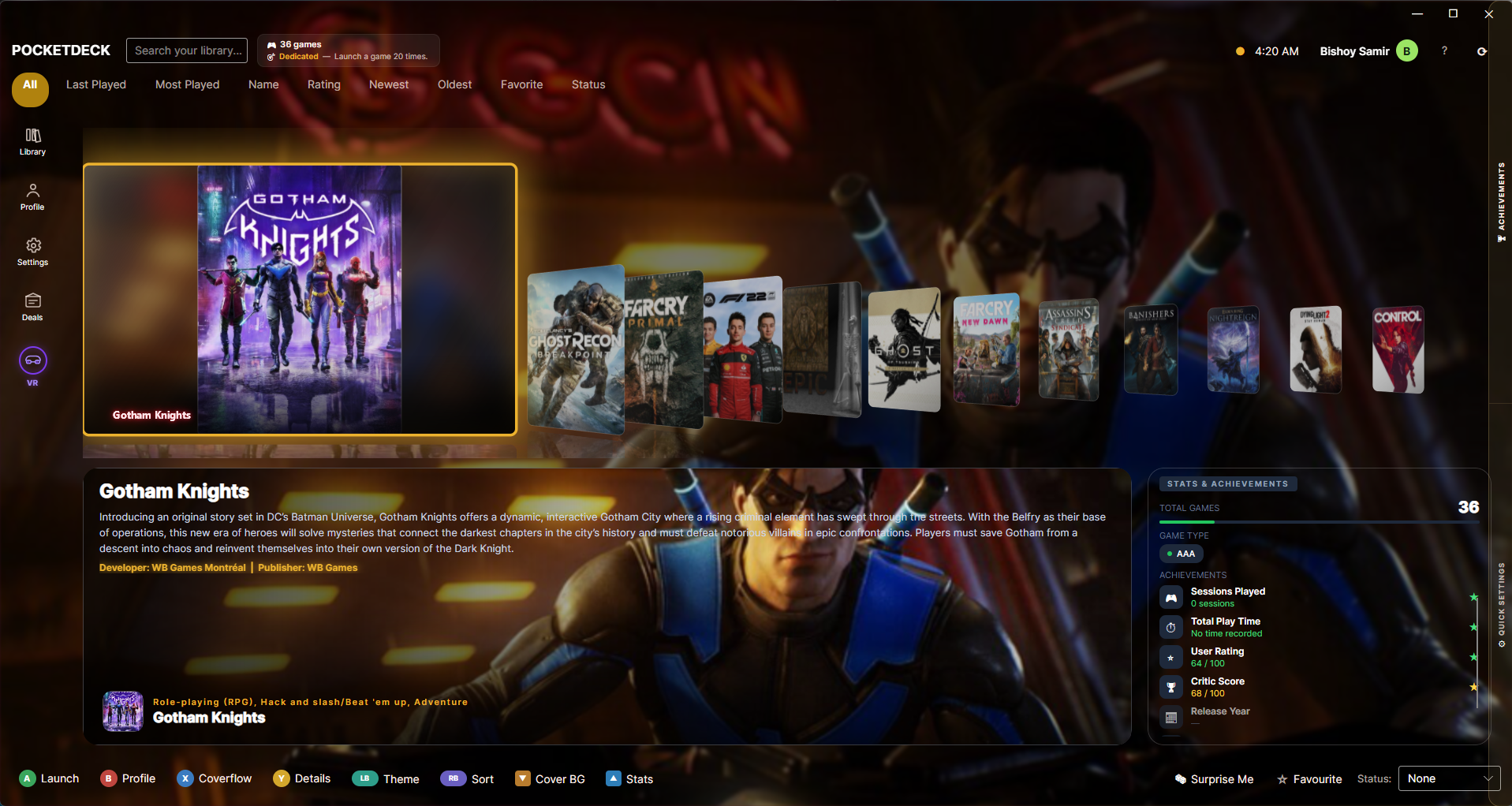
🎮 Grid, Gallery, Details, List, and Rating view modes
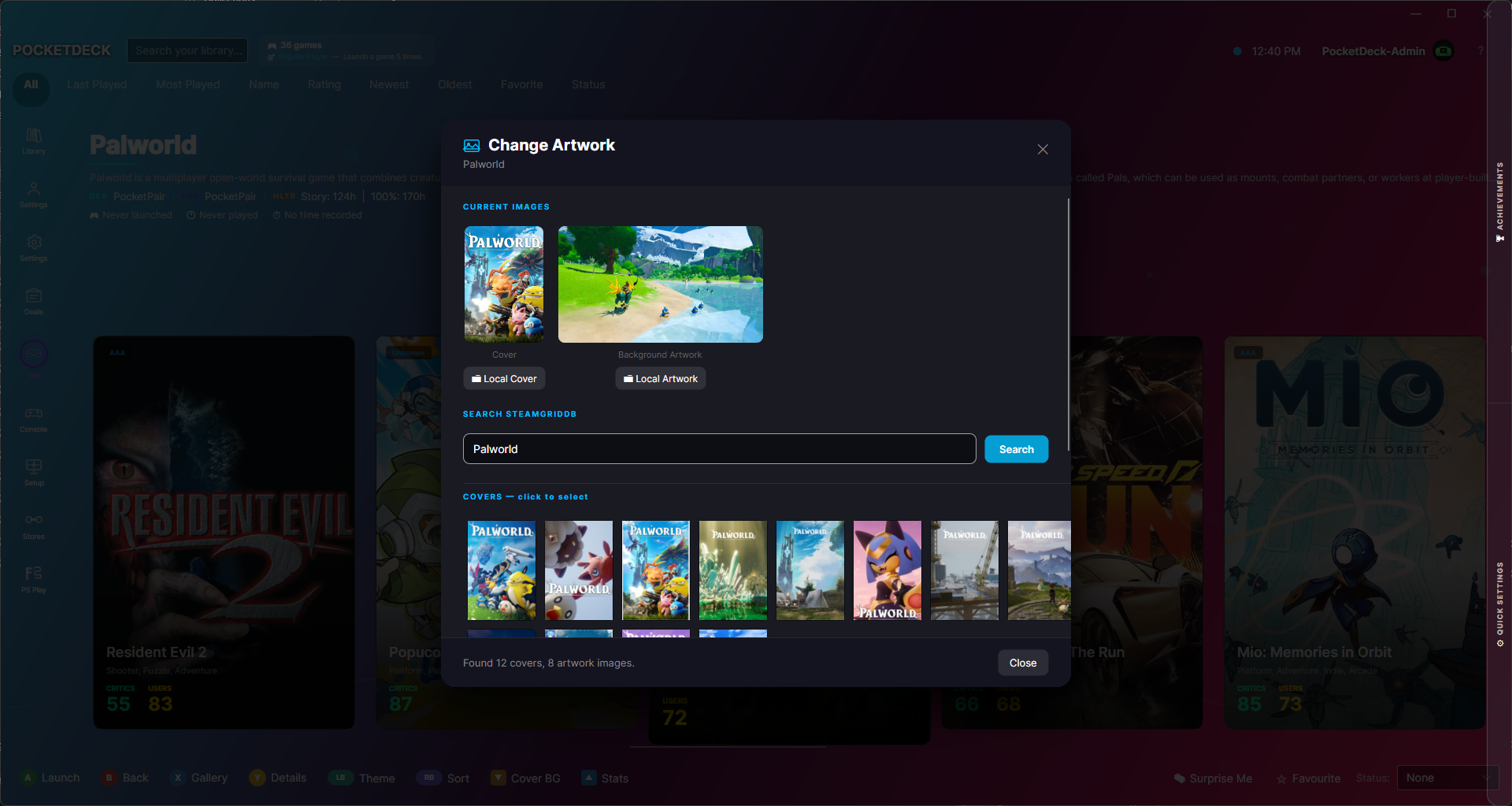
🖼️ Artwork customiser with SteamGridDB browser per game
⏱️ Playtime tracking and completion status (Playing / Completed / Backlog / Dropped)
🎬 9 animated video backgrounds (pauses during gameplay)
🎵 Background music with custom file support
🎮 PS4 / PS5 Remote Play via built-in Chiaki
🏆 Xbox Game Bar widget with live achievements and quick actions
🏷️ Deals & Sales panel (CheapShark), Free Giveaways panel (GamerPower) 💬 Discord Rich Presence
🧙 First-launch setup wizard with device auto-detection
Download
Install instructions
Download & Install
PocketDeck is available on the Microsoft Store for automatic updates and a verified, trusted install.
| Version | What's included | Link |
|---|---|---|
| Free | Core launcher, all view modes, basic themes | Get Free on Microsoft Store |
| Pro | Everything PS Remote Play, all themes, emulator support | Get Pro on Microsoft Store |
- Click your preferred version above (or search "PocketDeck" in the Microsoft Store app)
- Click Get / Buy — installs in seconds
- Launch from the Start Menu or taskbar
Also available on

Leave a comment
Log in with itch.io to leave a comment.